Testing Retrieval of All Invoices
Prerequisites
⚠️ Previously we only demonstrated uploading “demo_invoice.png”. Please upload the remaining 2 invoice files as well!
Step 1: Create Postman Collection
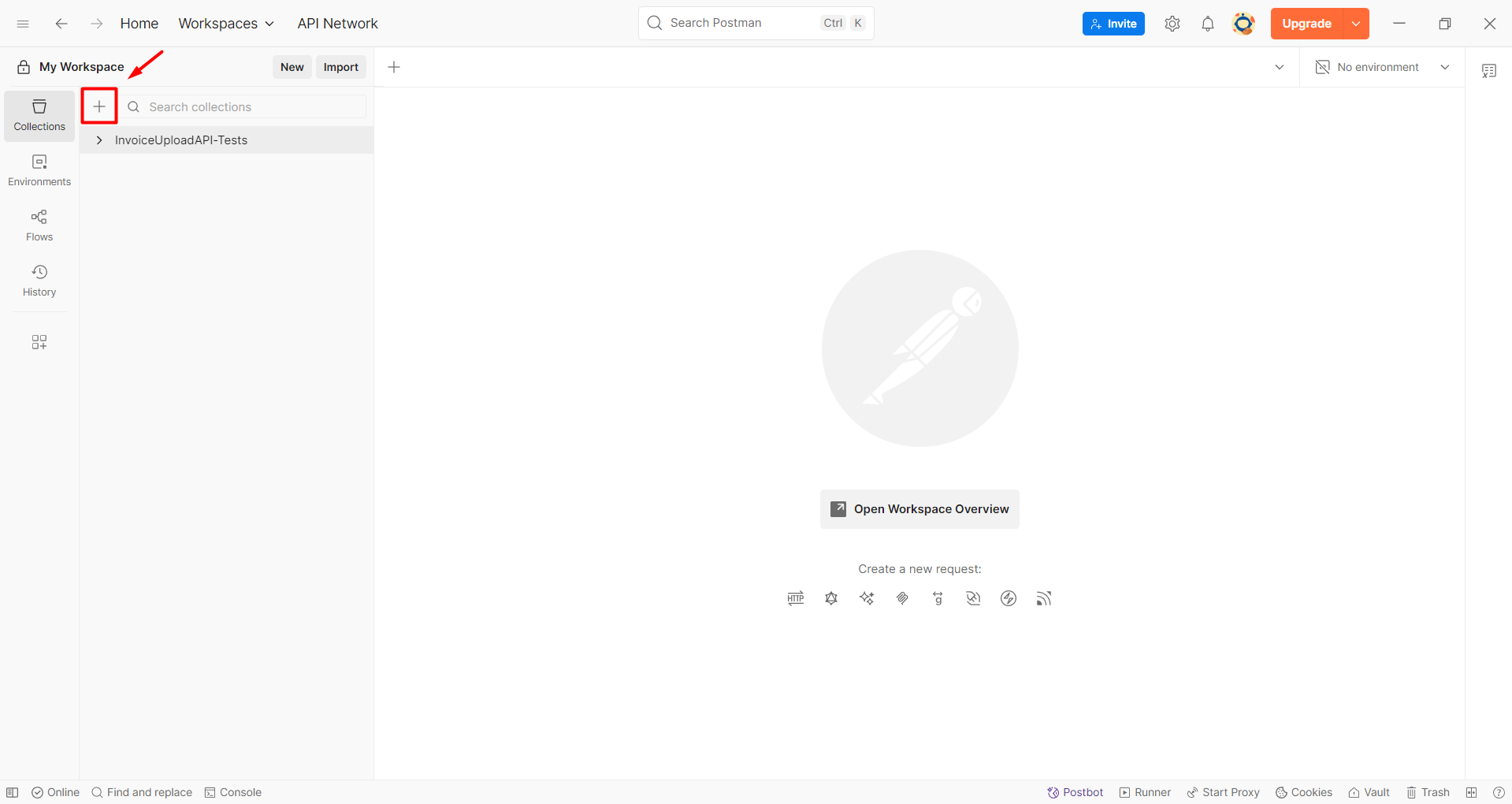
- Open Postman application and click the "+" button to create a new collection.
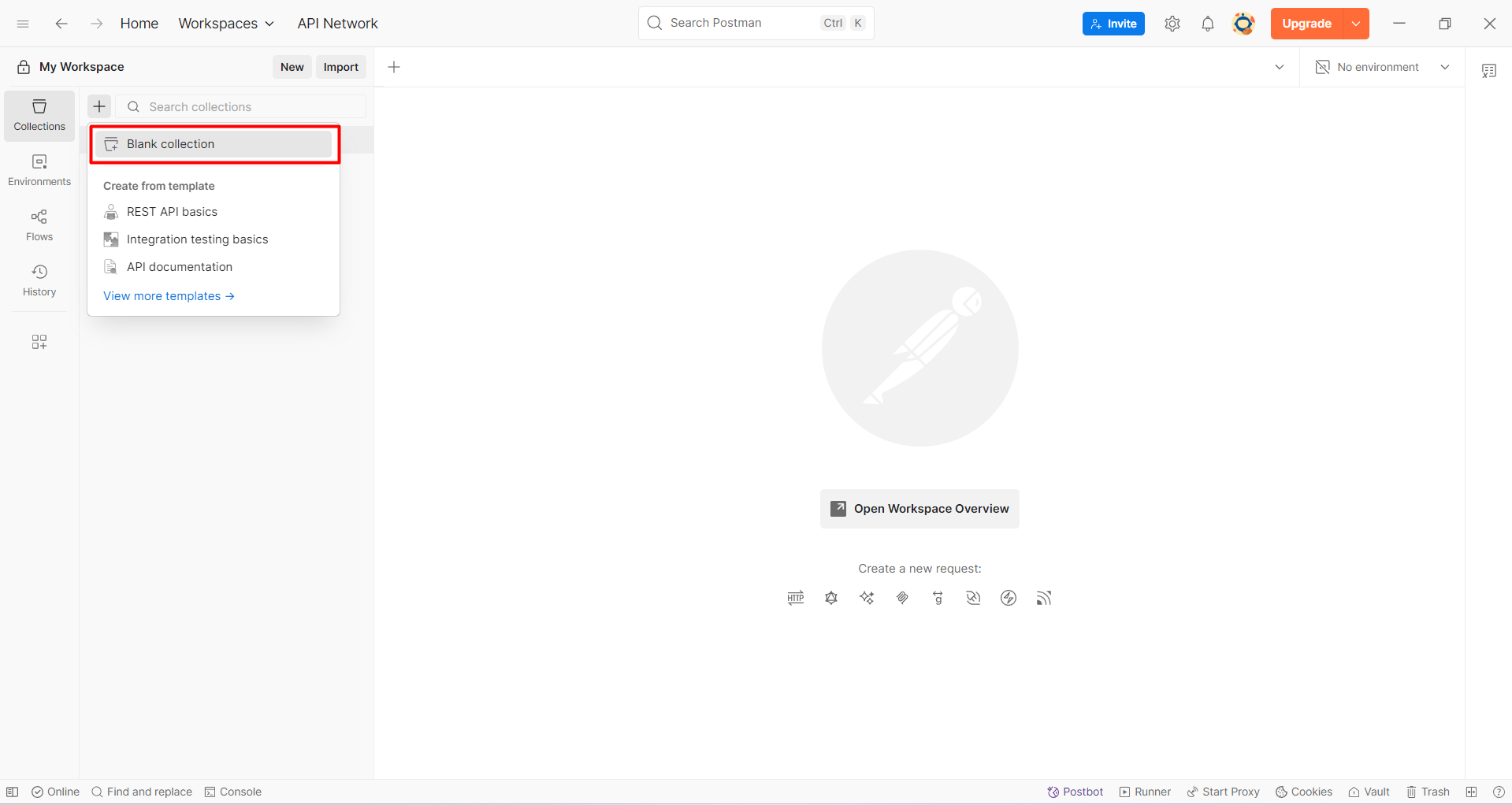
- Select Blank Collection.
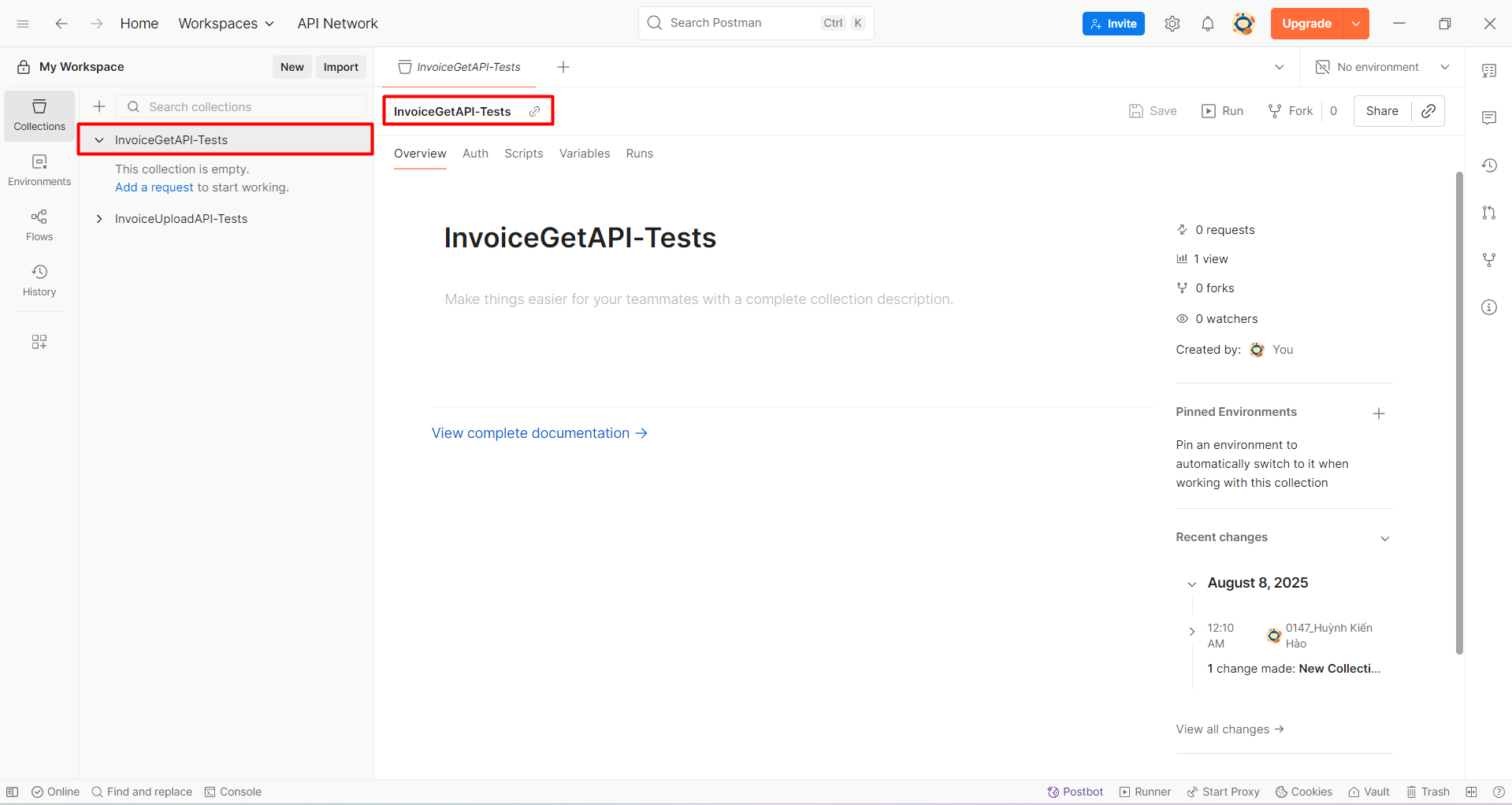
- Name it:
InvoiceGetAPI-Tests
Step 2: Create Request
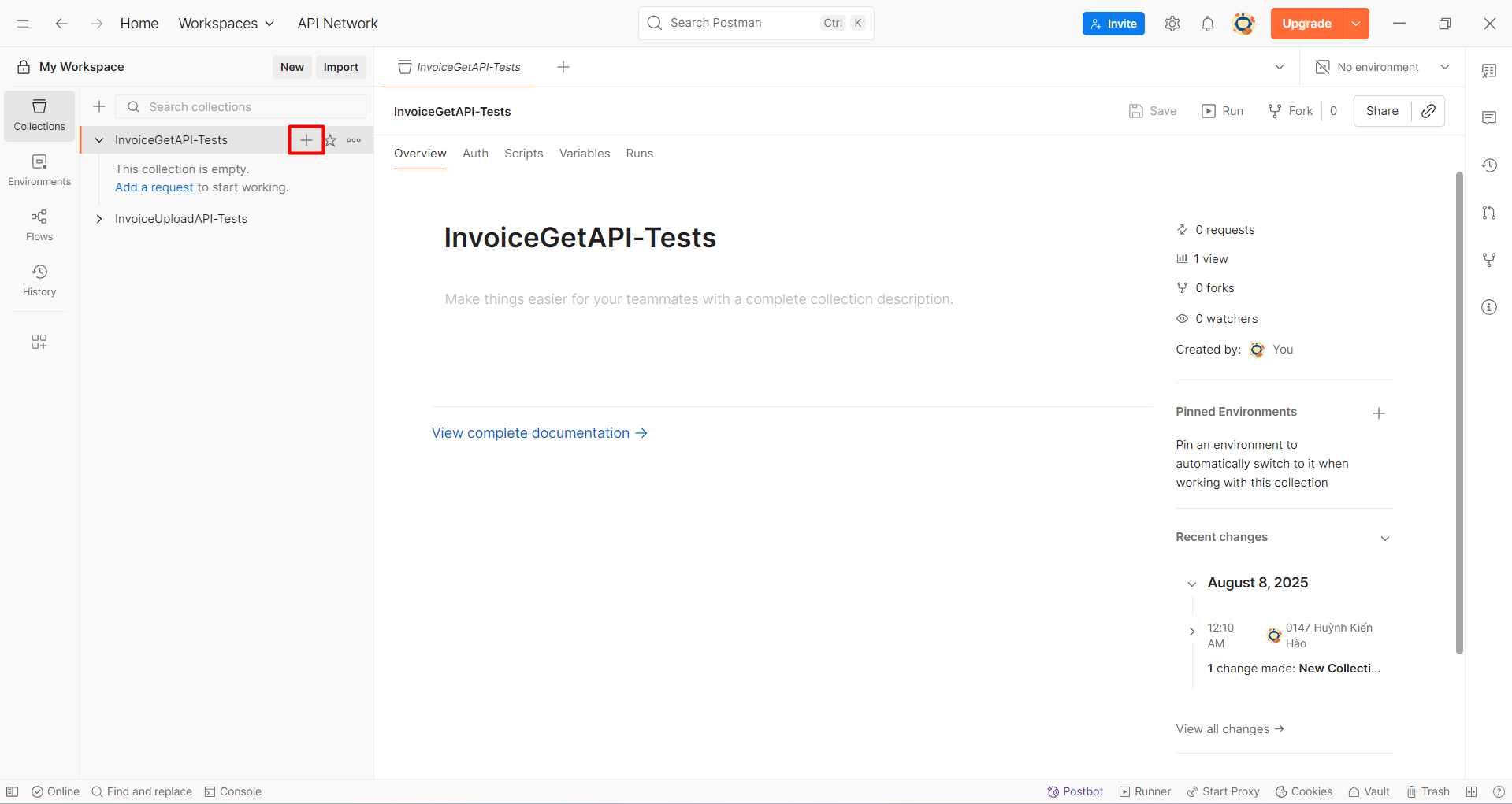
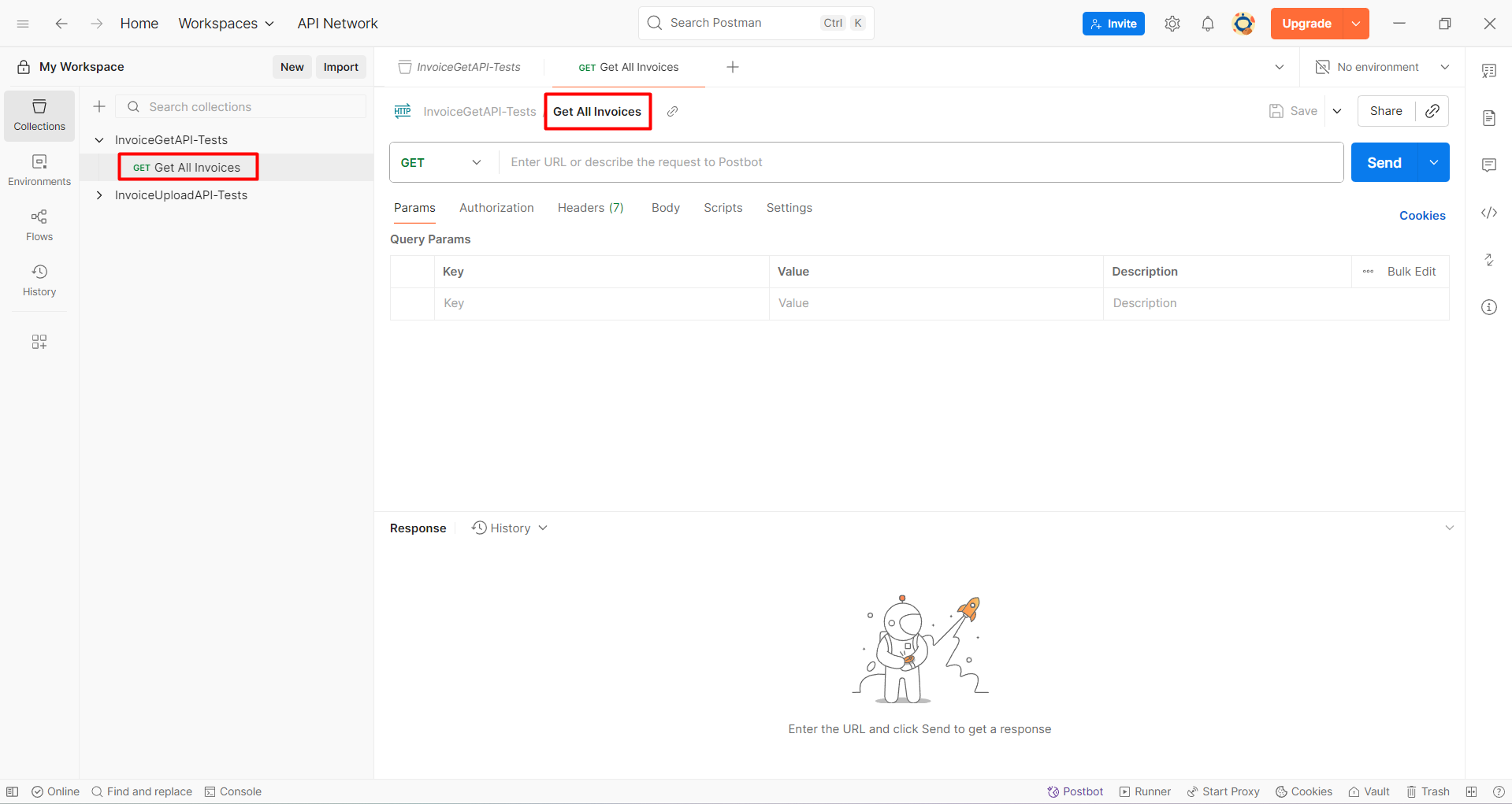
- Within the newly created collection, click the "+" button to add a request.
- Name the request:
Get All Invoices.
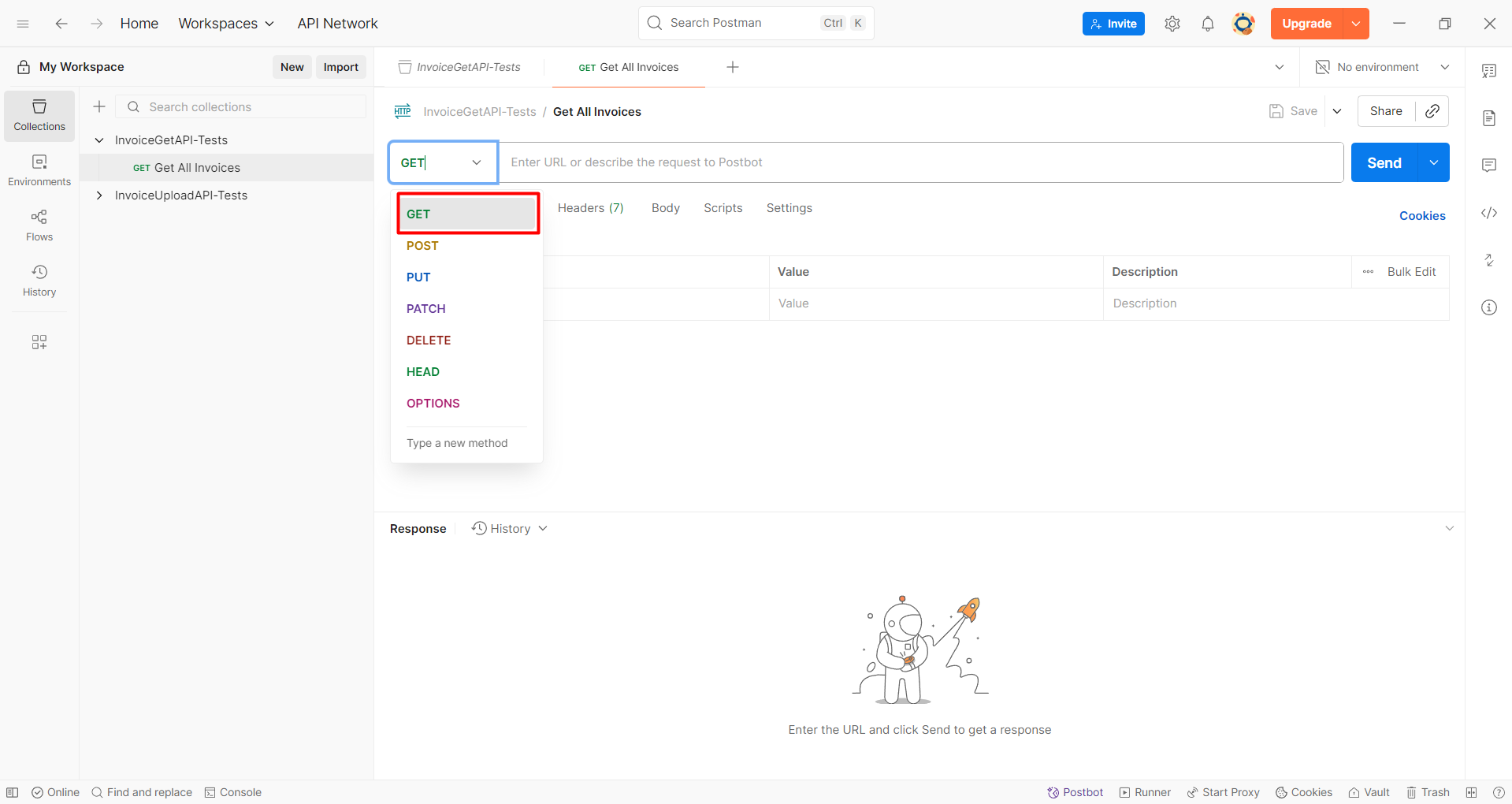
- Select the POST method.
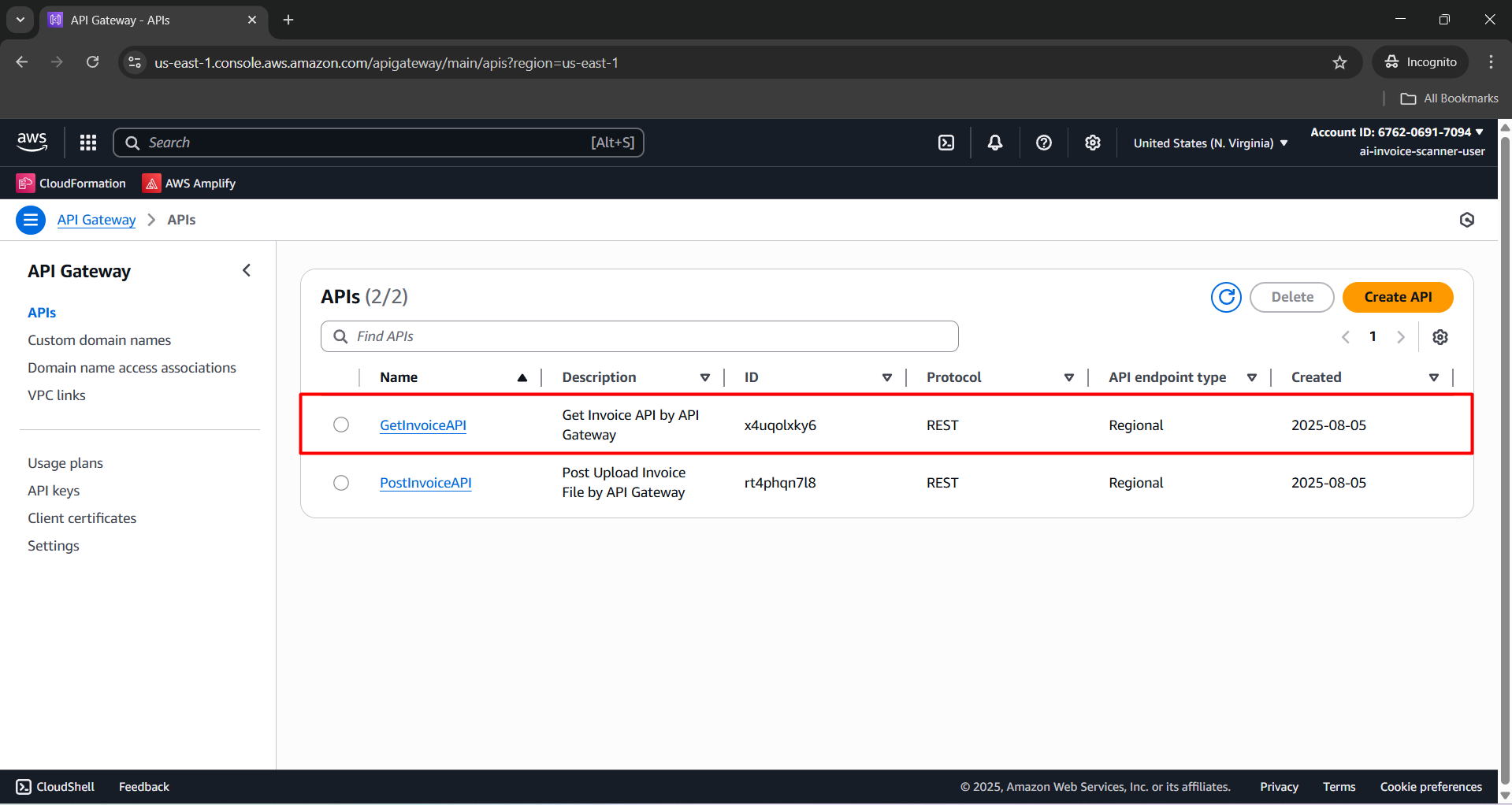
- Go to API Gateway and select the API:
GetInvoiceAPI.
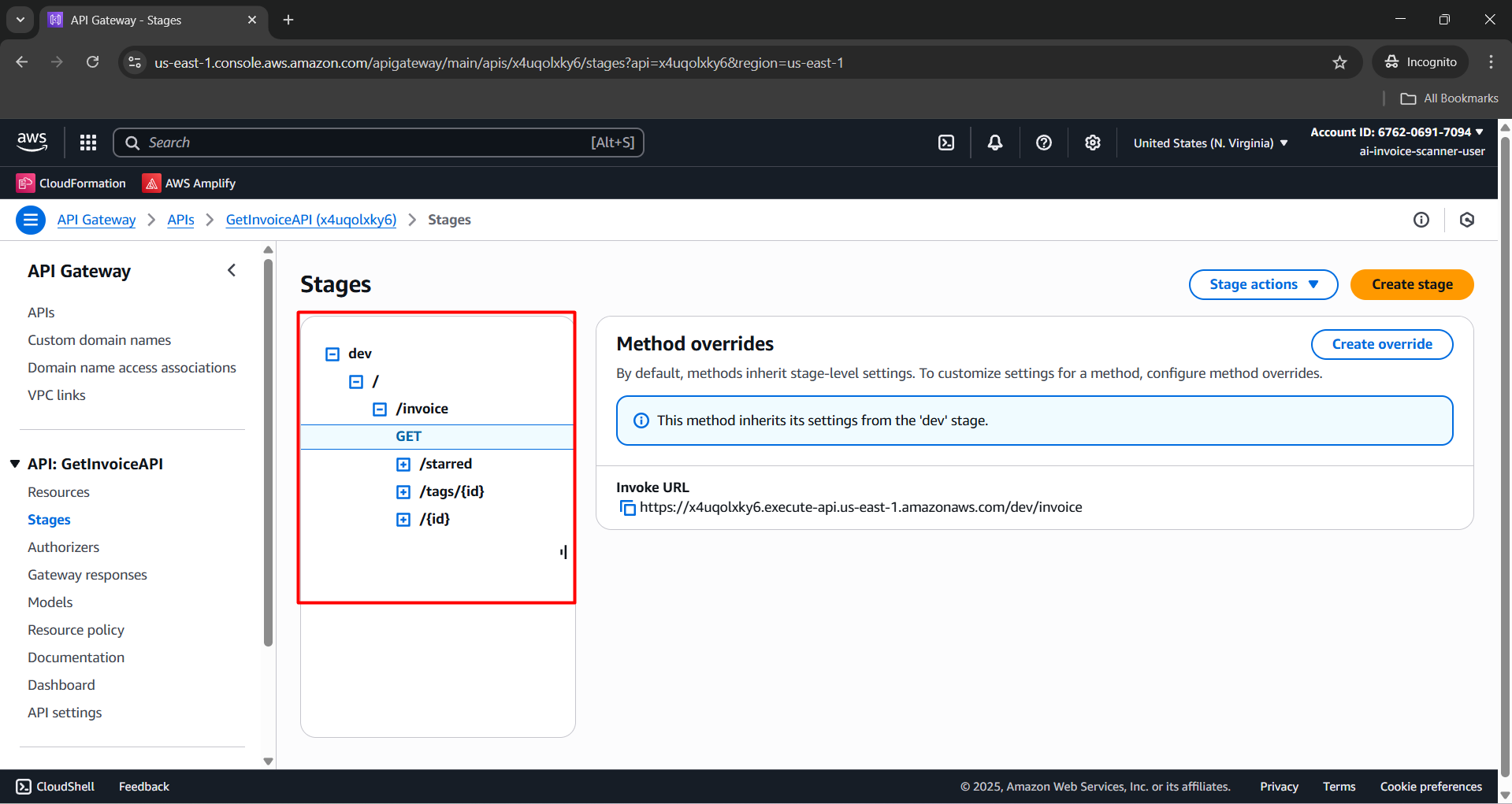
- Navigate to the Stages section.
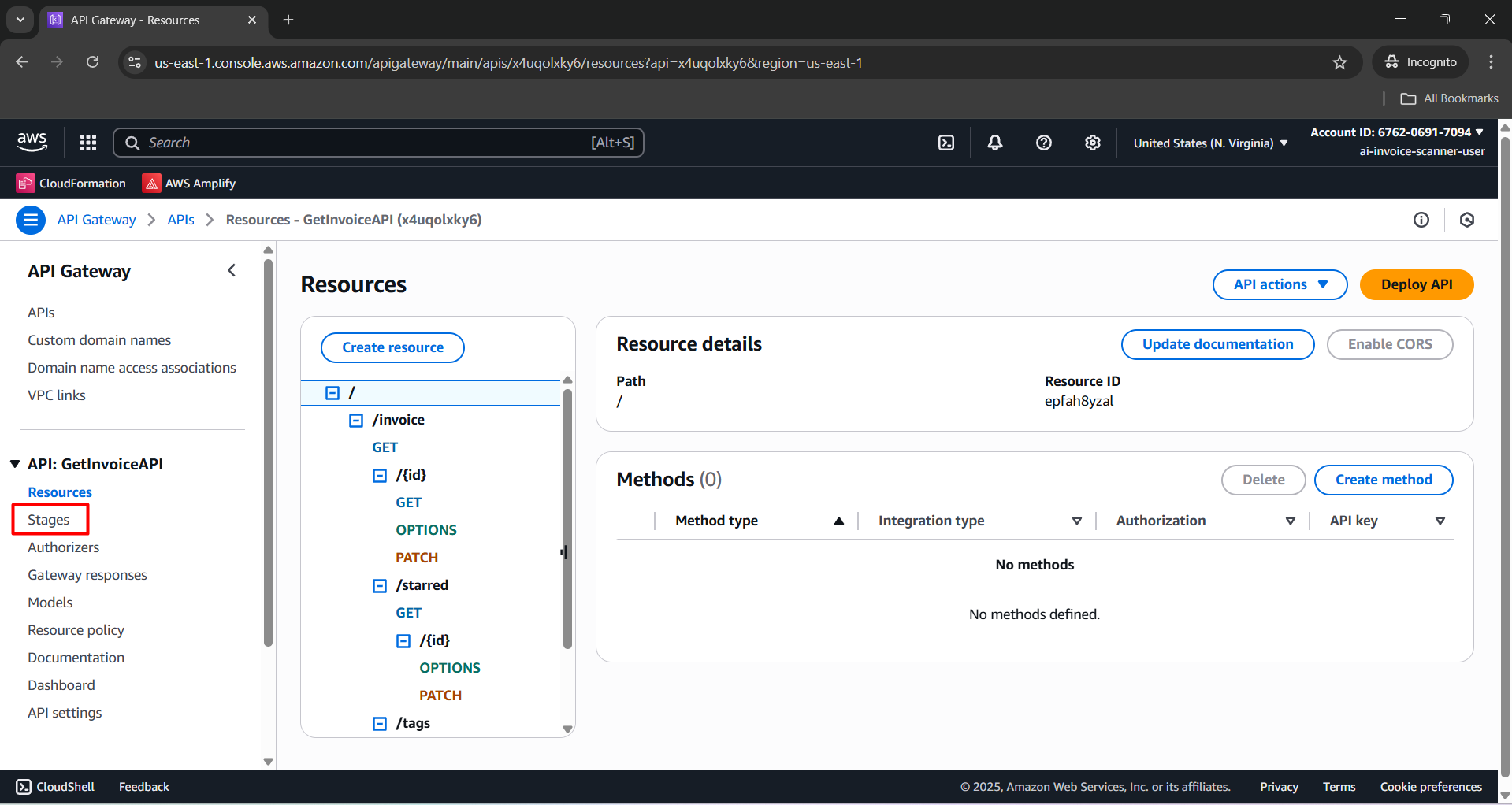
- Click the "+" button to reveal the
/invoiceendpoint path as shown below:
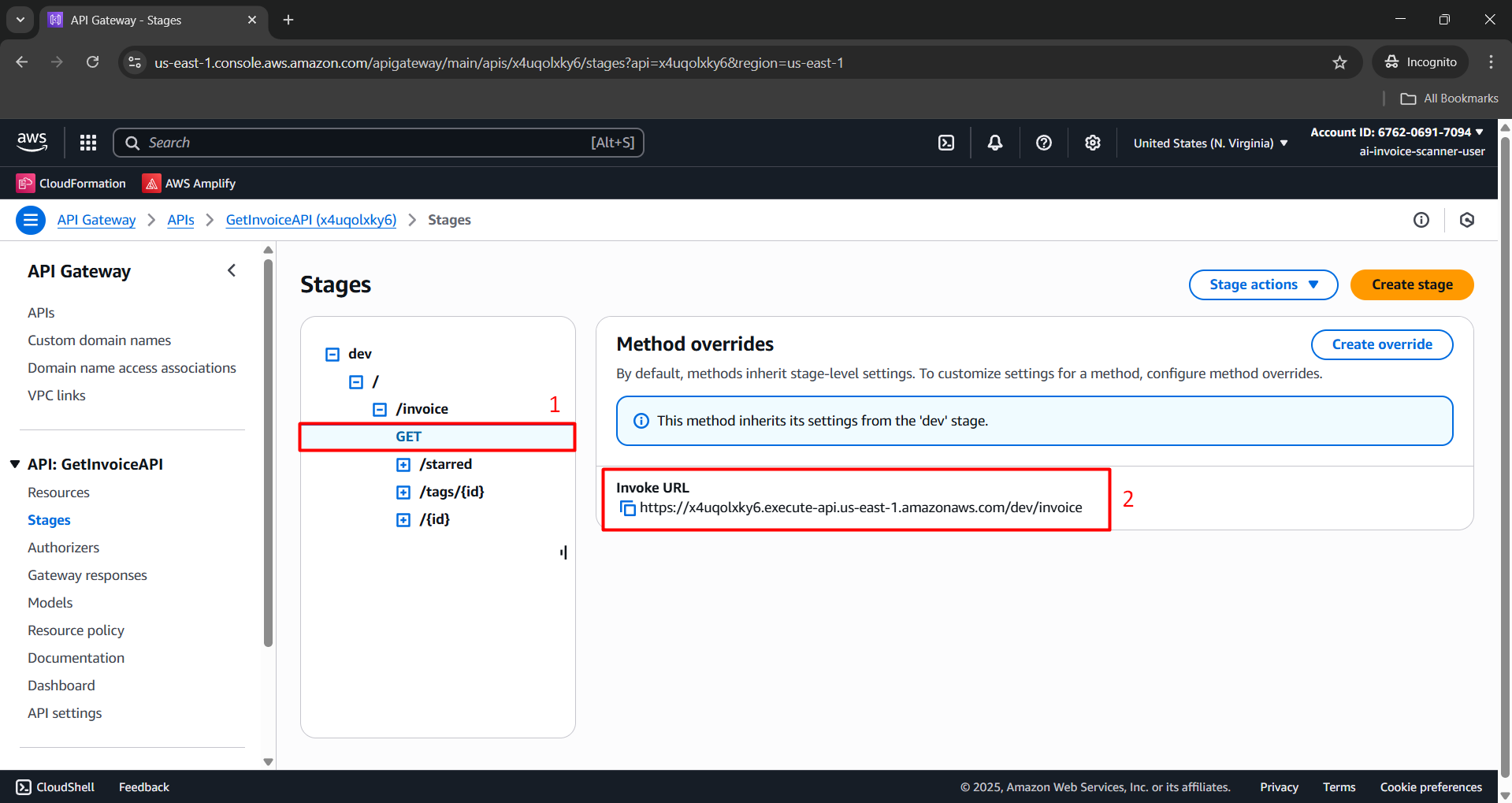
- Select the GET method and copy the Invoke URL.
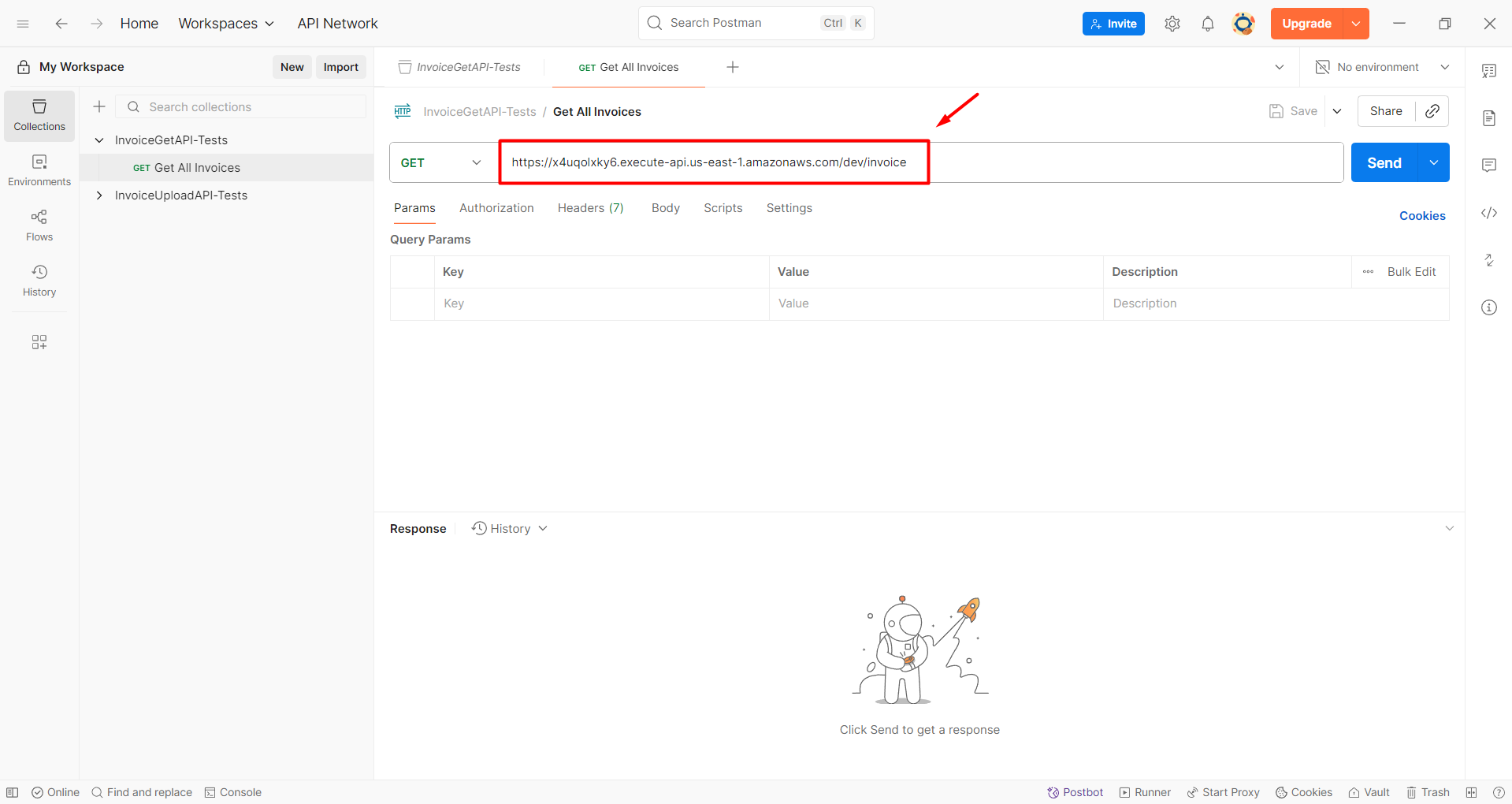
- Paste the Invoke URL into Postman as follows:
- Click the Send button to view results.
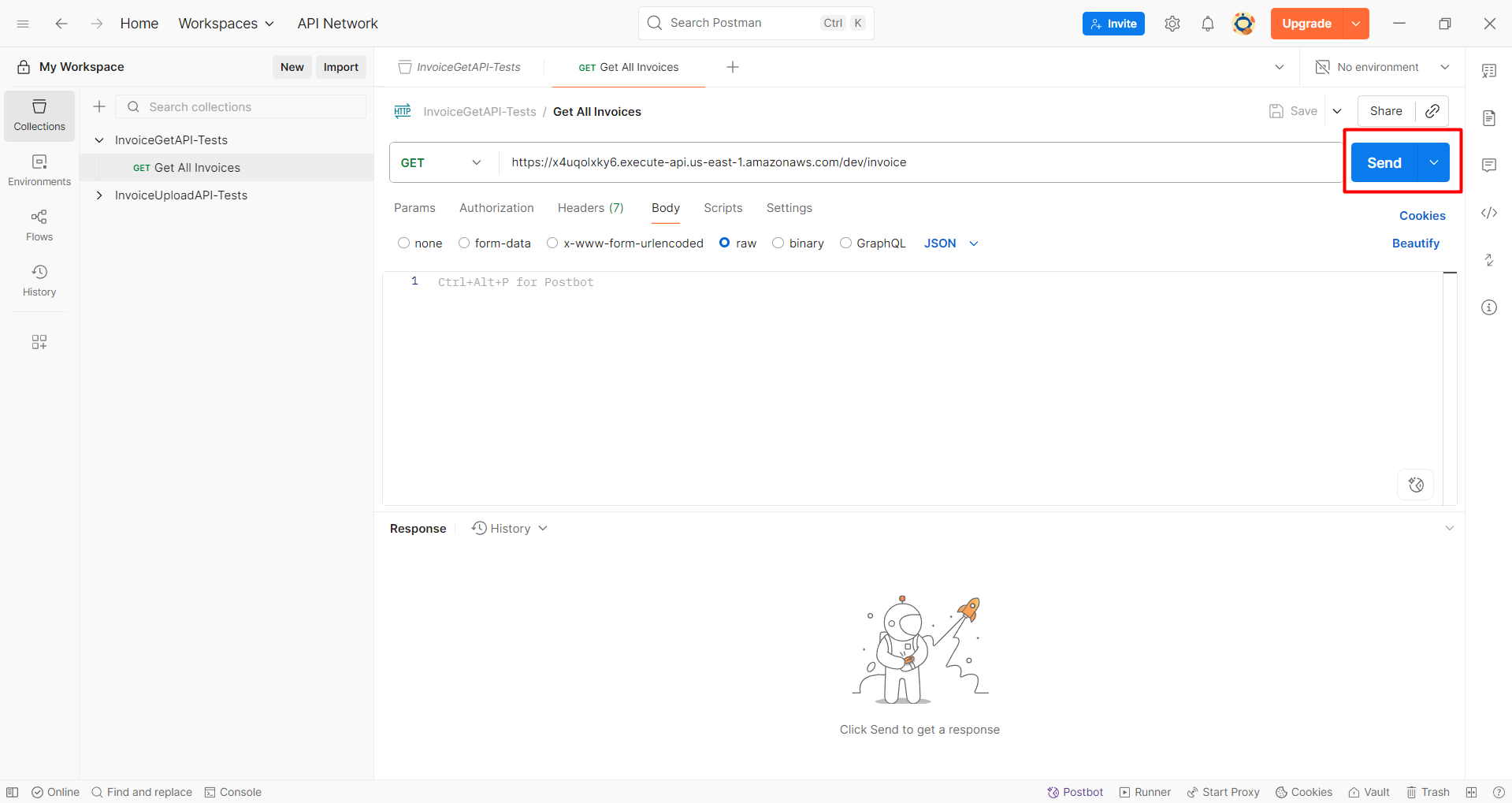
- A successful response will appear as follows:

Verify that all 3 invoices are returned to confirm success ✅