Create IAM Policies
Overview
In this step, you will create 2 essential IAM Policies for the system:
- AIInvoiceScannerFullPolicy: grants full permissions to backend services such as Textract, Bedrock, Lambda, DynamoDB, API Gateway, Cognito, and CloudWatch.
- AmplifyAdminPolicy: grants full access for frontend deployment using AWS Amplify.
Step 1: Access IAM Console
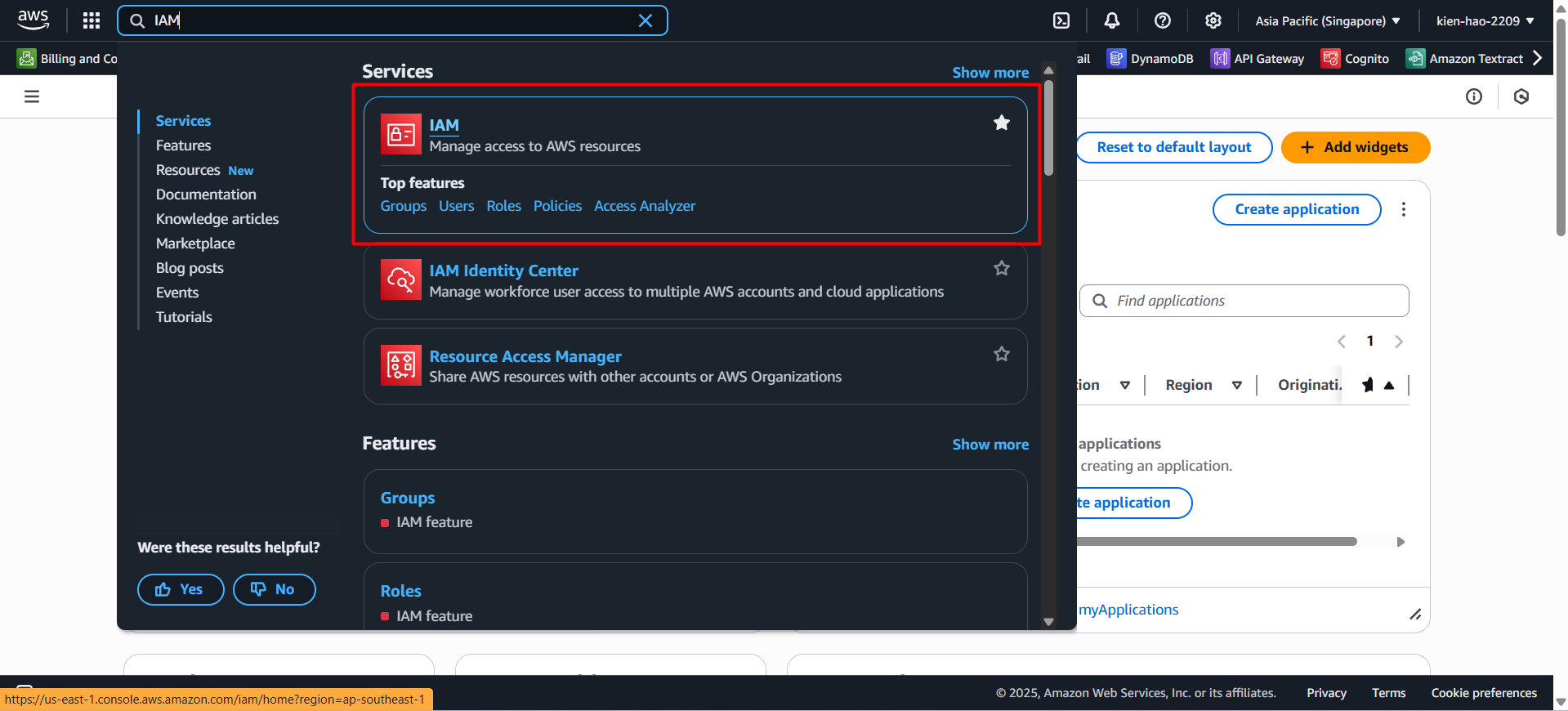
- Go to AWS Console, search for IAM, then select IAM from the results.
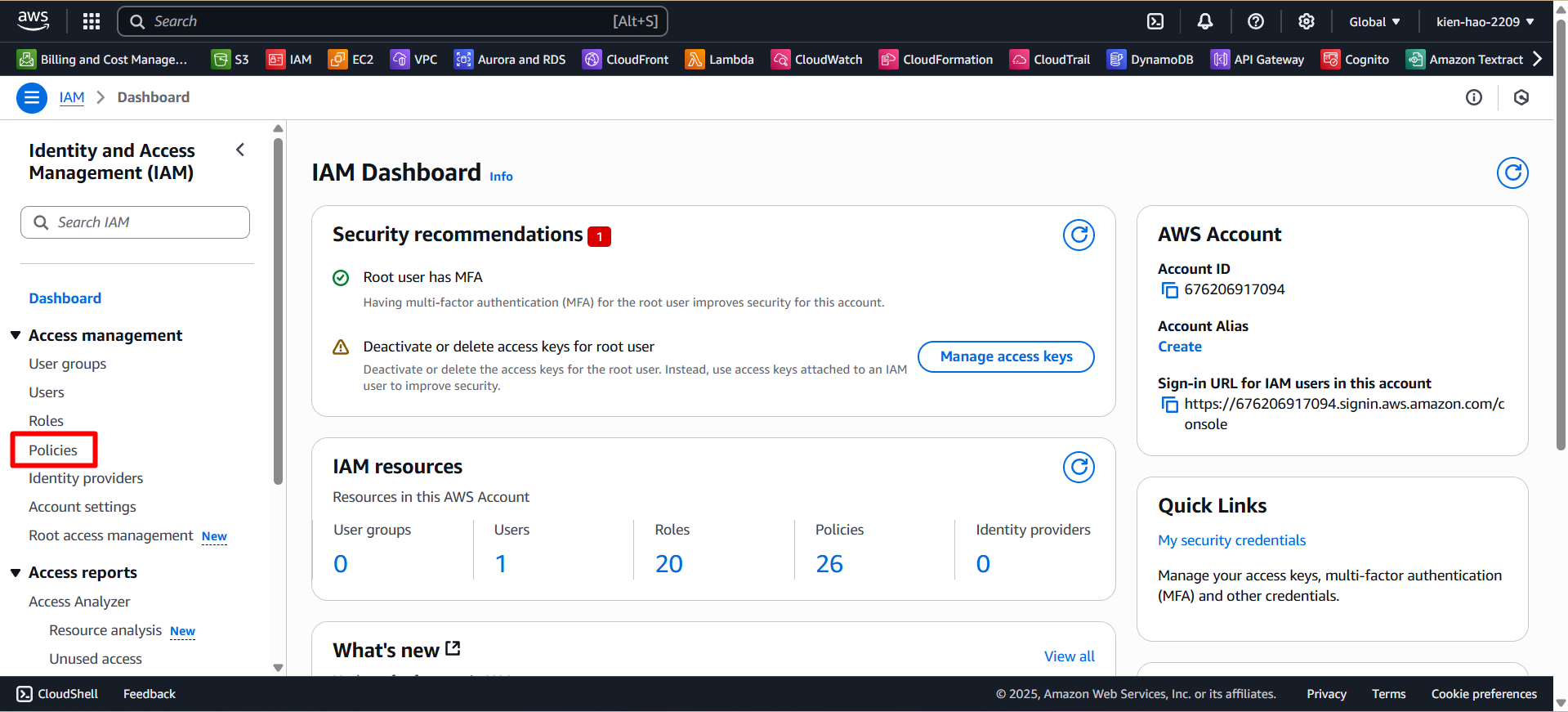
- In the left-hand menu, click on Policies.
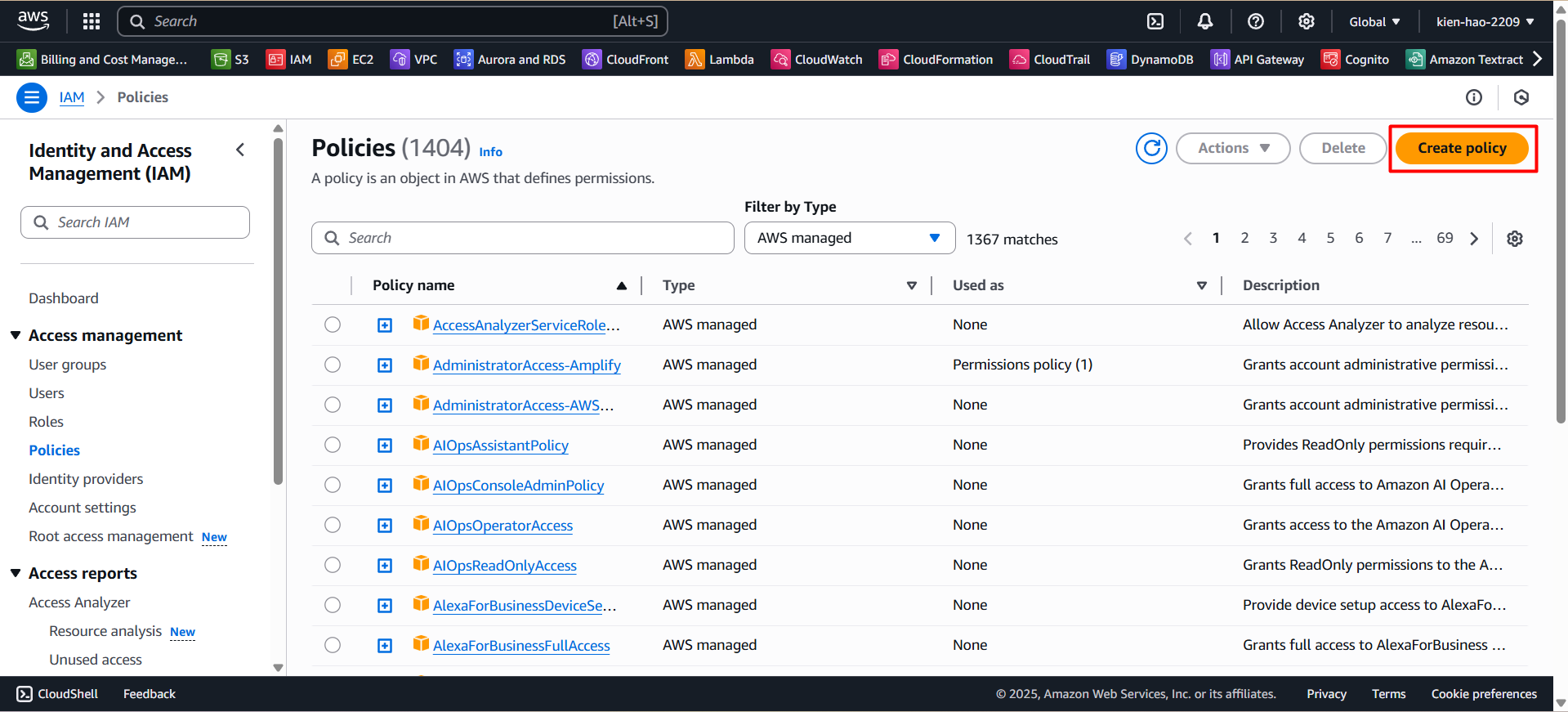
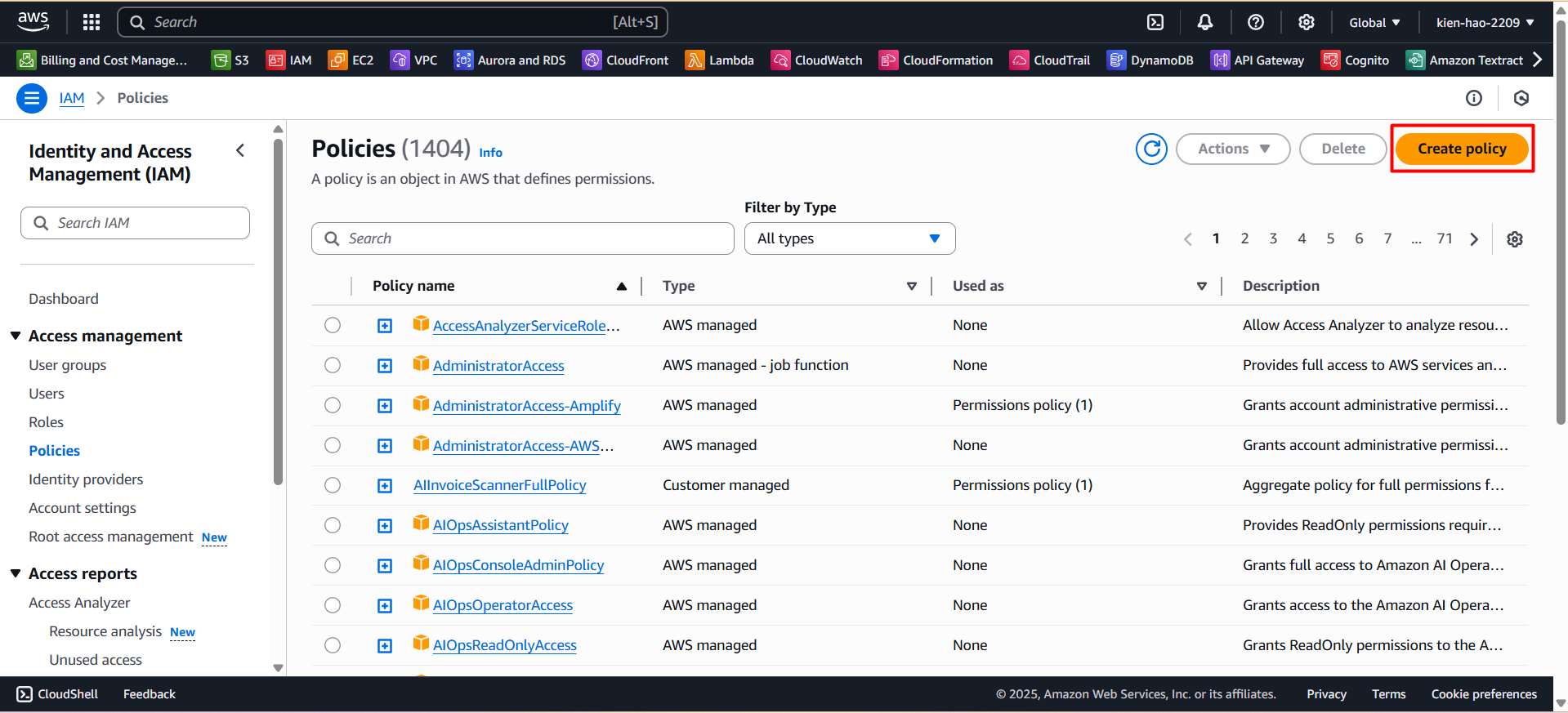
- Click the Create policy button.
Step 2: Create the AIInvoiceScannerFullPolicy
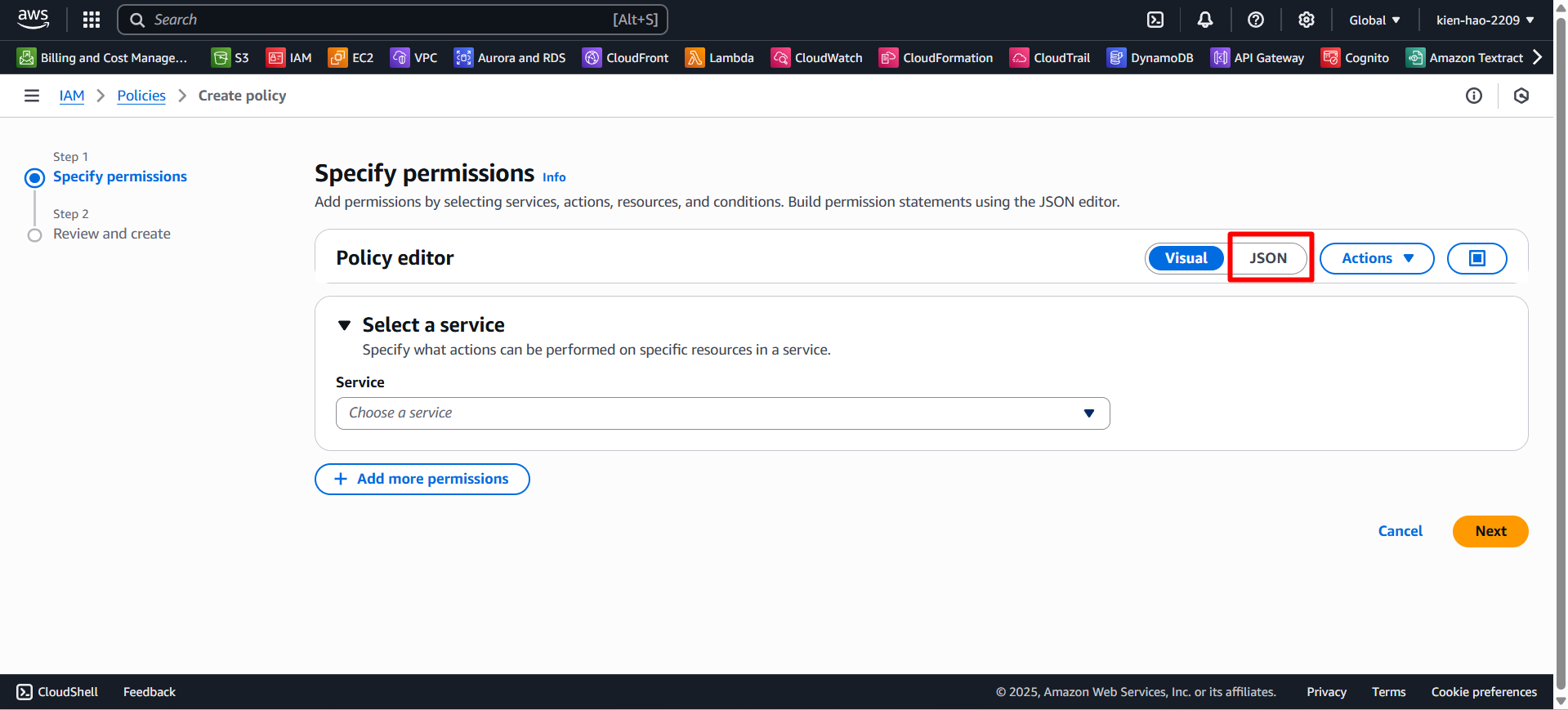
- On the Create Policy page, switch to the JSON tab.
- Paste the following code into the editor:
{
    "Version": "2012-10-17",
    "Statement": [
        {
            "Sid": "S3FullAccess",
            "Effect": "Allow",
            "Action": "s3:*",
            "Resource": "*"
        },
        {
            "Sid": "TextractFullAccess",
            "Effect": "Allow",
            "Action": "textract:*",
            "Resource": "*"
        },
        {
            "Sid": "BedrockFullAccess",
            "Effect": "Allow",
            "Action": "bedrock:*",
            "Resource": "*"
        },
        {
            "Sid": "LambdaFullAccess",
            "Effect": "Allow",
            "Action": "lambda:*",
            "Resource": "*"
        },
        {
            "Sid": "LambdaBasicExecutionRole",
            "Effect": "Allow",
            "Action": [
                "logs:CreateLogGroup",
                "logs:CreateLogStream",
                "logs:PutLogEvents"
            ],
            "Resource": "*"
        },
        {
            "Sid": "DynamoDBFullAccess",
            "Effect": "Allow",
            "Action": "dynamodb:*",
            "Resource": "*"
        },
        {
            "Sid": "APIGatewayAdmin",
            "Effect": "Allow",
            "Action": "apigateway:*",
            "Resource": "*"
        },
        {
            "Sid": "CognitoPowerUser",
            "Effect": "Allow",
            "Action": ["cognito-idp:*", "cognito-sync:*", "cognito-identity:*"],
            "Resource": "*"
        },
        {
            "Sid": "CloudWatchFullAccess",
            "Effect": "Allow",
            "Action": "cloudwatch:*",
            "Resource": "*"
        },
        {
            "Sid": "AllowIAMAccessForLambdaSetup",
            "Effect": "Allow",
            "Action": [
                "iam:DetachRolePolicy",
                "iam:GetPolicy",
                "iam:GetPolicyVersion",
                "iam:GetRole",
                "iam:ListRoles",
                "iam:PassRole",
                "iam:ListPolicies",
                "iam:AttachRolePolicy",
                "iam:ListRolePolicies",
                "iam:ListAttachedRolePolicies",
                "iam:PutRolePolicy",
                "iam:GetRolePolicy",
                "iam:ListInstanceProfilesForRole",
                "iam:RemoveRoleFromInstanceProfile",
                "iam:DeleteRole",
                "iam:DeleteRolePolicy",
                "iam:CreateRole",
                "iam:TagRole",
                "iam:UpdateRole"
            ],
            "Resource": "*"
        },
        {
            "Sid": "AllowValidatePolicy",
            "Effect": "Allow",
            "Action": "access-analyzer:ValidatePolicy",
            "Resource": "*"
        },
        {
            "Sid": "CloudWatchLogsFullAccess",
            "Effect": "Allow",
            "Action": [
                "logs:DescribeLogGroups",
                "logs:DescribeLogStreams",
                "logs:GetLogEvents",
                "logs:FilterLogEvents",
                "logs:DeleteLogGroup"
            ],
            "Resource": "*"
        },
        {
            "Sid": "AllowDynamoDBAutoScalingDescribe",
            "Effect": "Allow",
            "Action": [
                "application-autoscaling:DescribeScalableTargets",
                "application-autoscaling:DescribeScalingPolicies"
            ],
            "Resource": "*"
        },
        {
            "Sid": "AllowEC2VpcEndpointDescribe",
            "Effect": "Allow",
            "Action": "ec2:DescribeVpcEndpoints",
            "Resource": "*"
        }
    ]
}
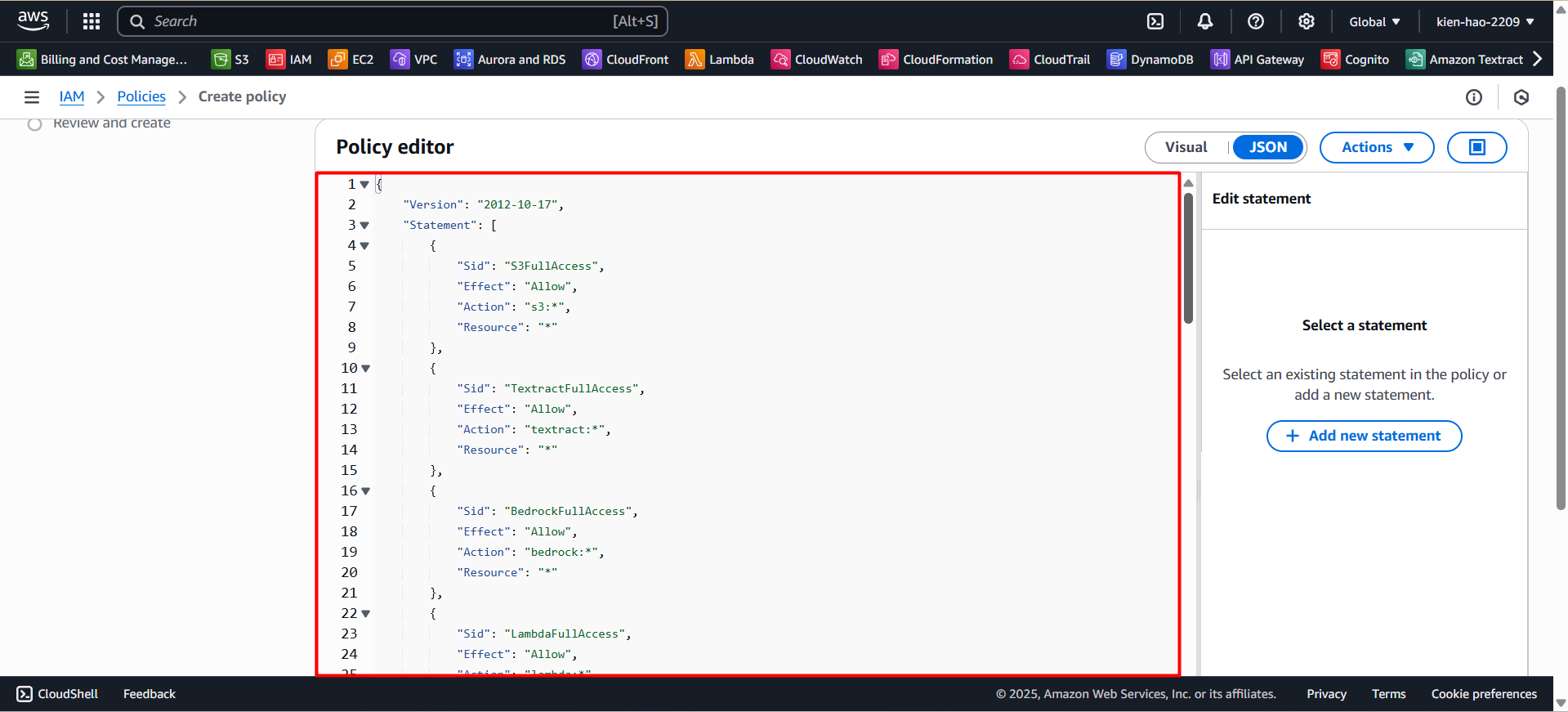
- Click Next to proceed.
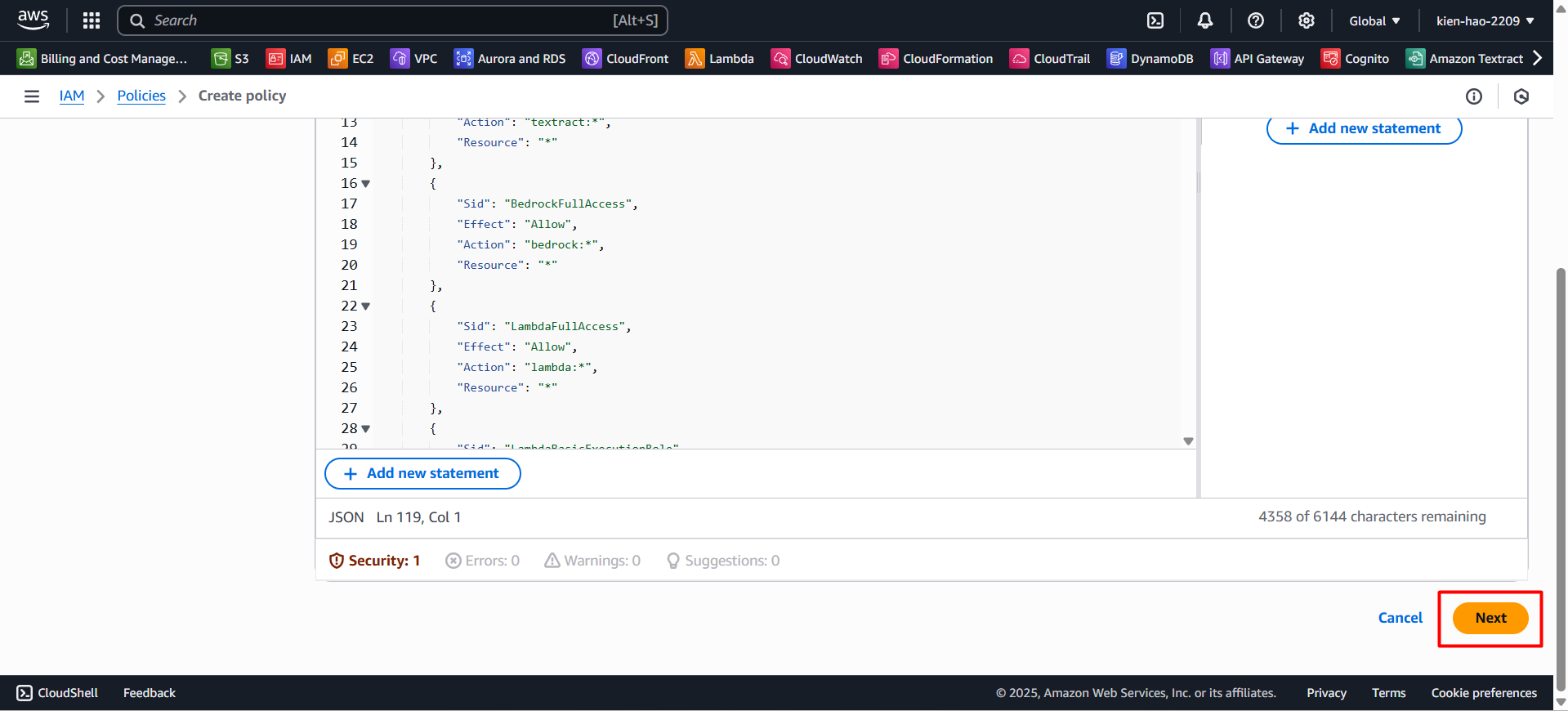
Fill in the policy details:
- Policy name:
AIInvoiceScannerFullPolicy - Description:
Full permissions for S3, Textract, Bedrock, Lambda, DynamoDB, API Gateway, Cognito, and CloudWatch
- Policy name:
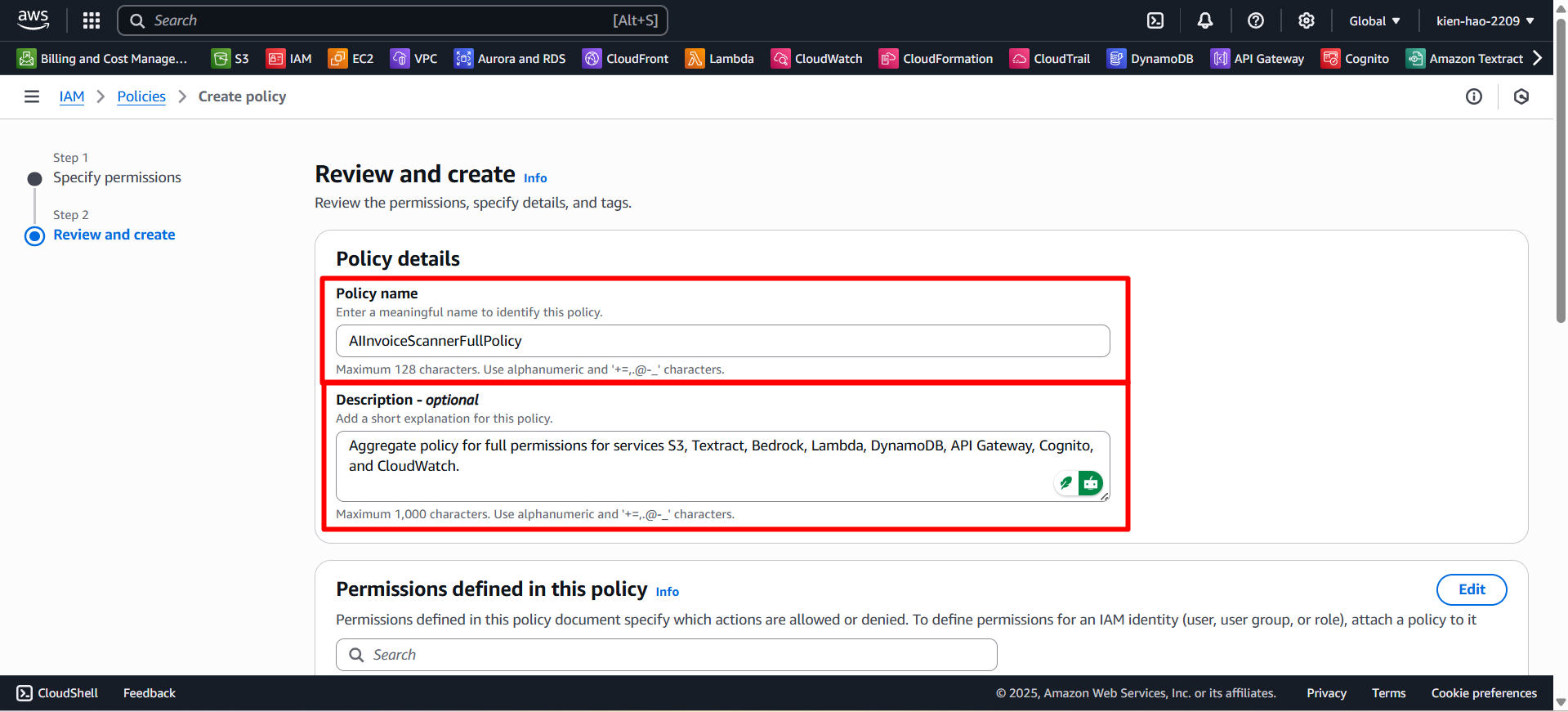
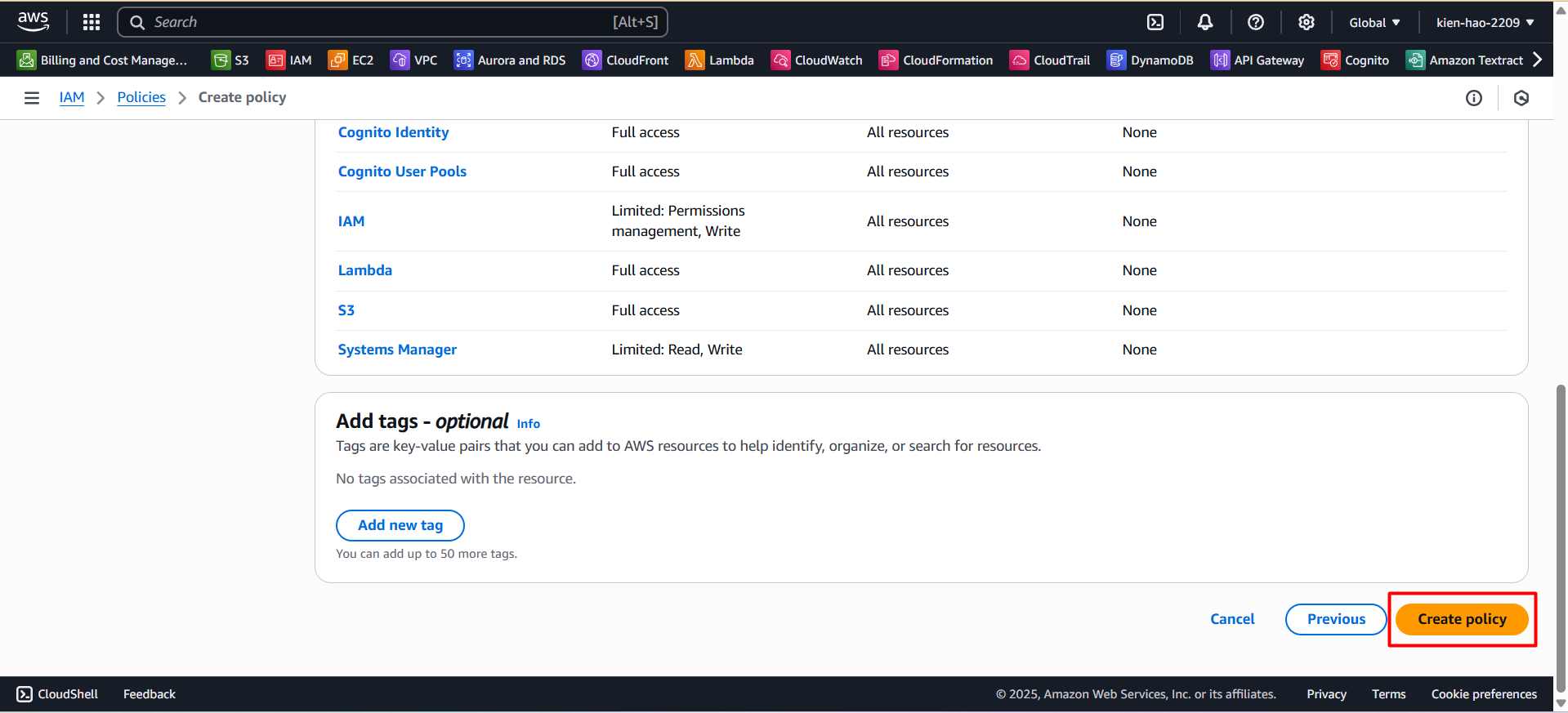
- Click Create policy to complete.
Step 3: Create the AmplifyAdminPolicy
- Return to the Policies list, click Create policy.
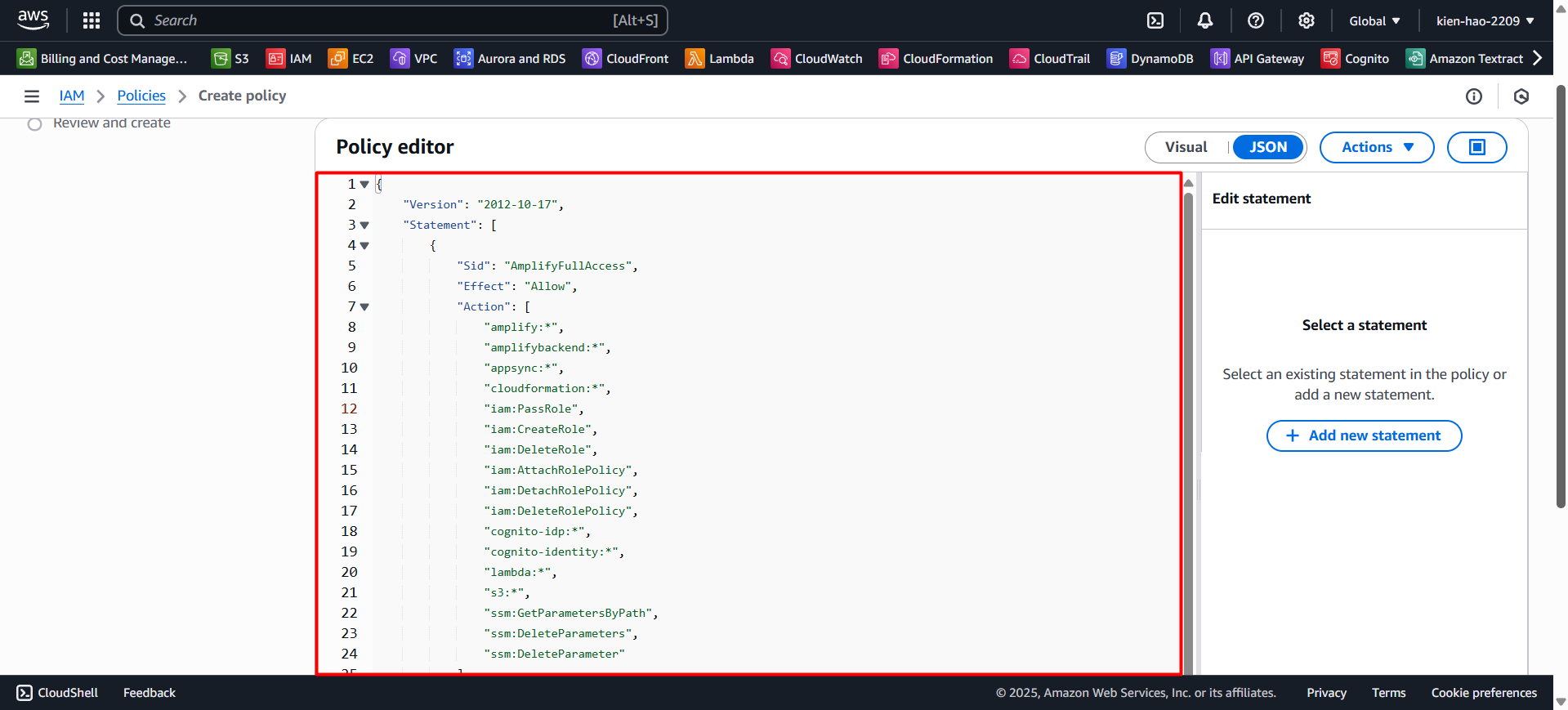
Switch to the JSON tab and paste the following content:
{
    "Version": "2012-10-17",
    "Statement": [
        {
            "Sid": "AmplifyAdminAccess",
            "Effect": "Allow",
            "Action": "amplify:*",
            "Resource": "*"
        },
        {
            "Sid": "AmplifyHostingAccess",
            "Effect": "Allow",
            "Action": ["amplifybackend:*", "amplifyuibuilder:*"],
            "Resource": "*"
        }
    ]
}
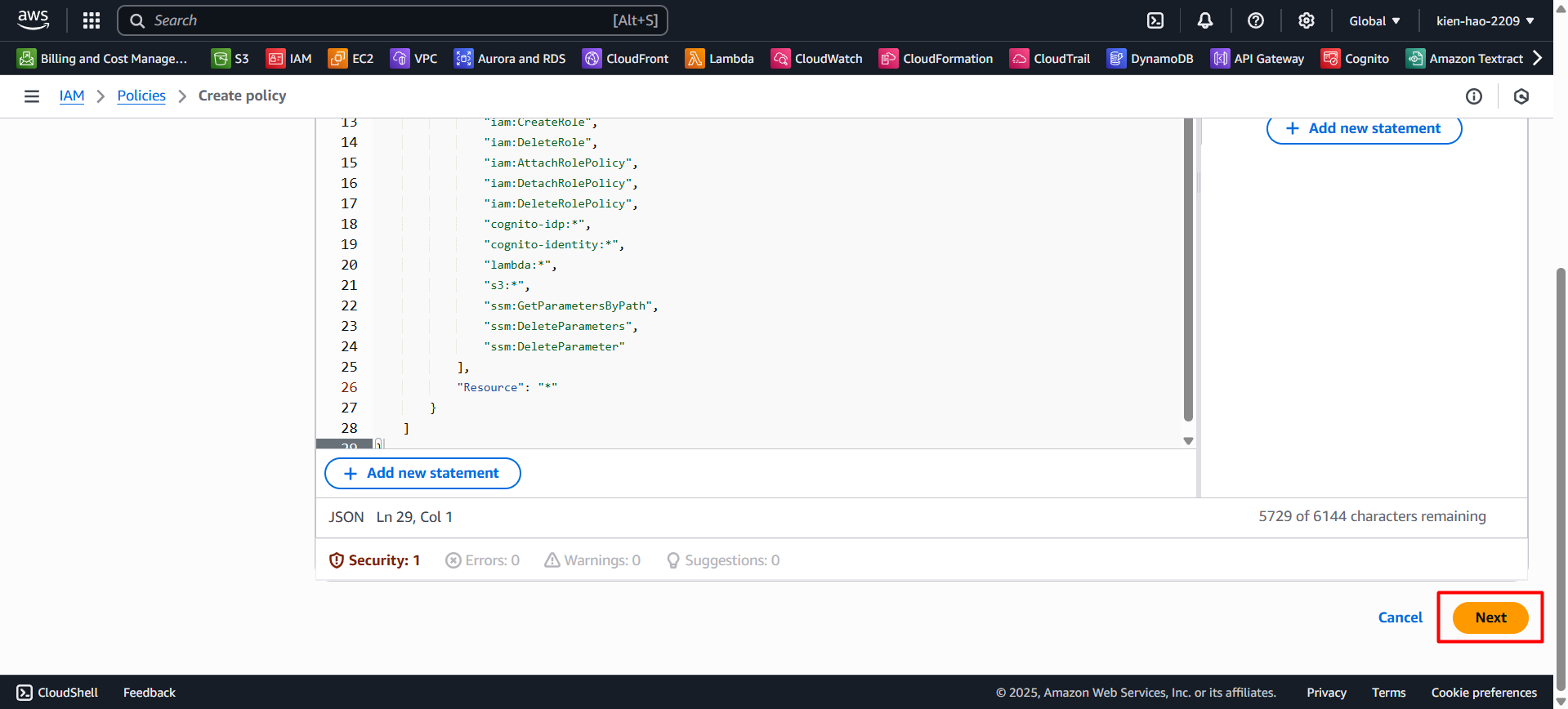
- Click Next.
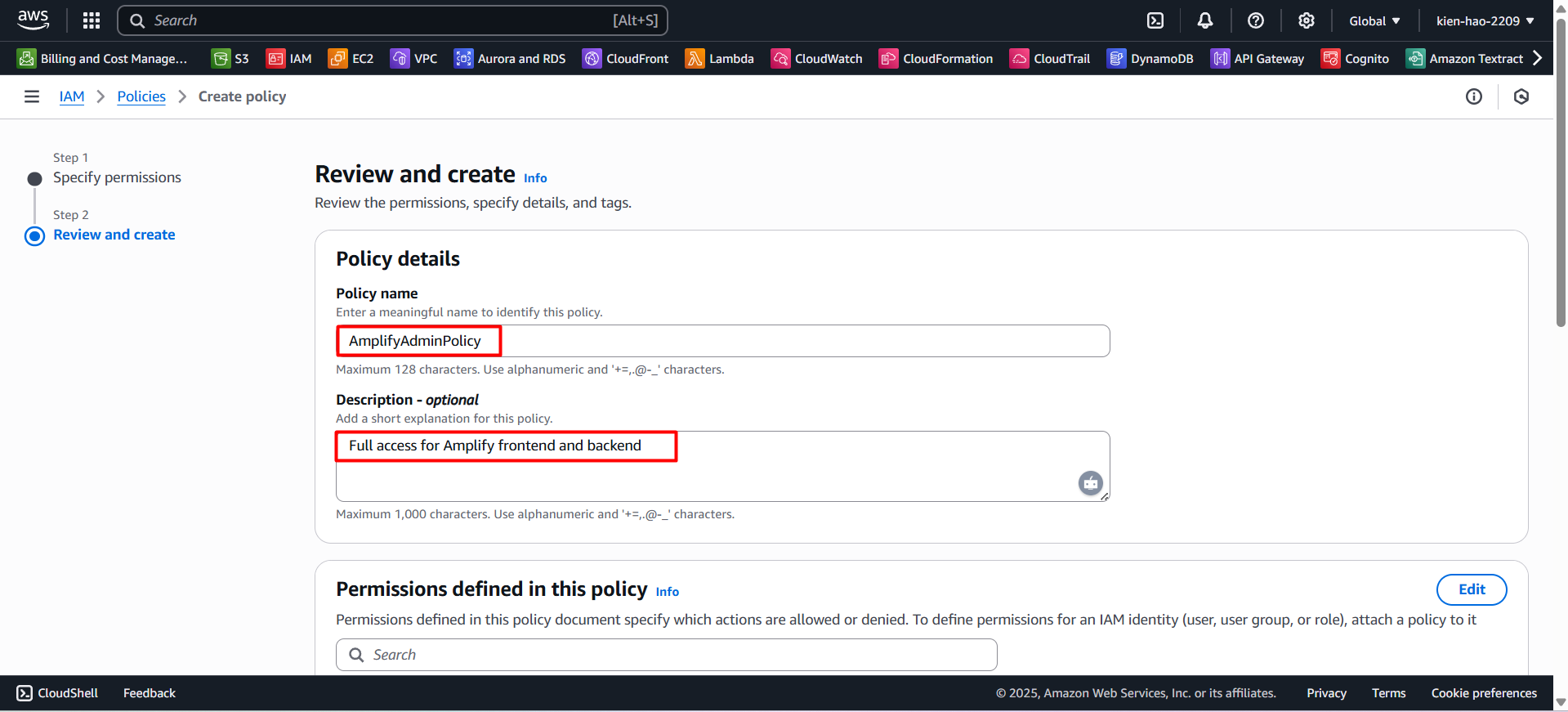
Enter the policy details:
- Policy name:
AmplifyAdminPolicy - Description:
Full access for Amplify frontend and backend
- Policy name:
- Click Create policy.
Step 4: Review the policies
Go back to the Policies list.
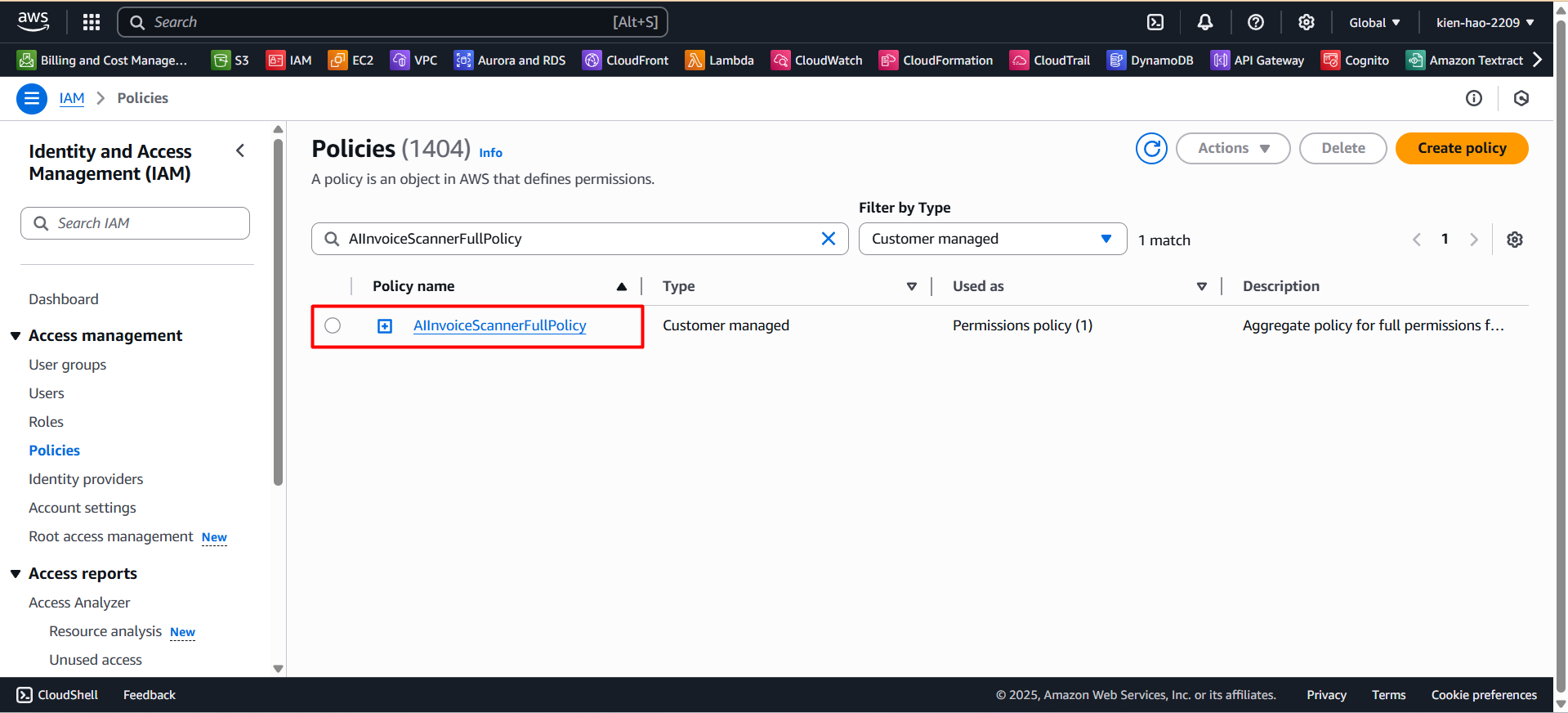
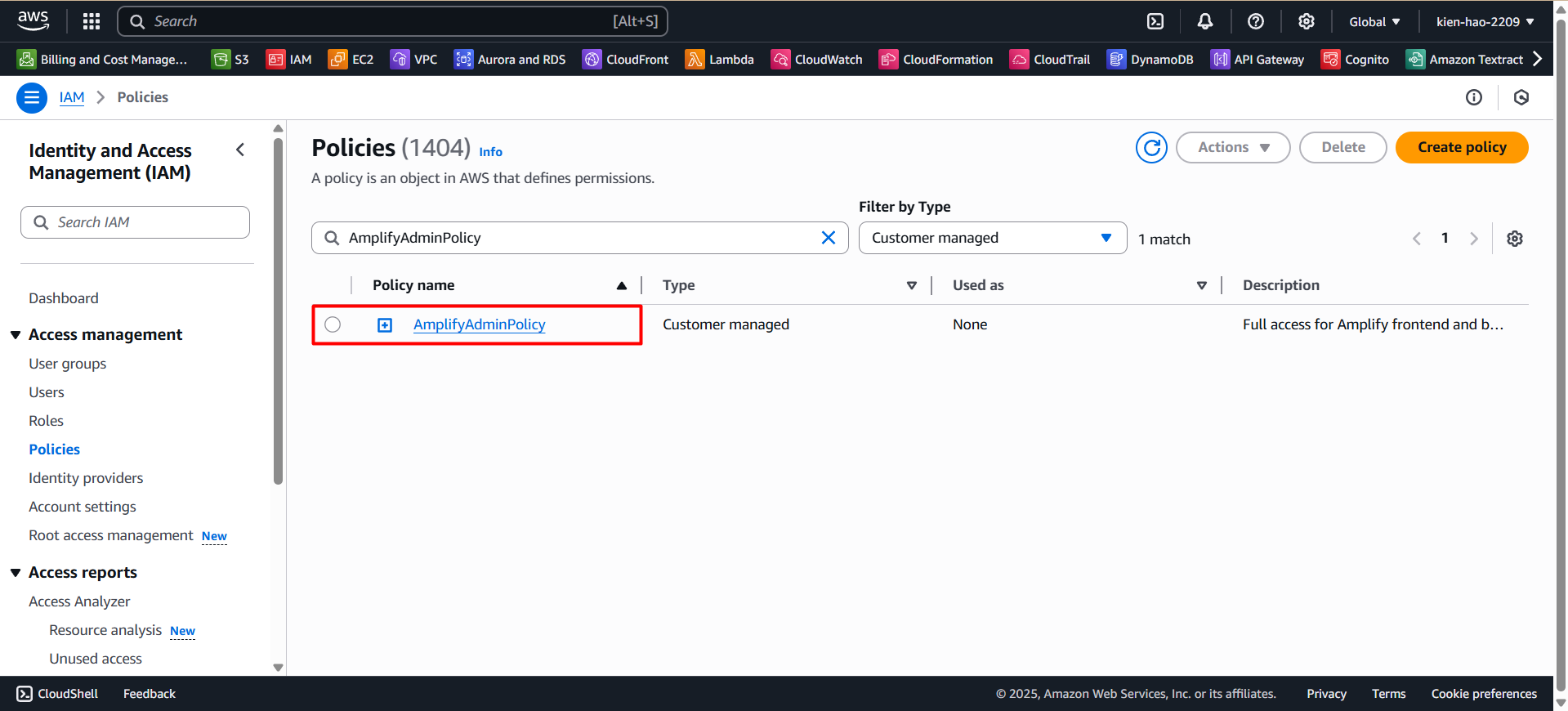
Search for and verify the two created policies:
AIInvoiceScannerFullPolicyAmplifyAdminPolicy
If you don’t see the newly created policies, try refreshing your browser or double-check the names.